


|
Name |
Activity Launcher |
|---|---|
|
Google Play Link |
GET IT ON
Google Play
|
|
Category |
Tools |
|
Developer |
Adam Szalkowski |
| Last version | 2.4.1 |
|
Updated |
|
|
Compatible with |
Android 4.4+ |
What is Activity Launcher APK?
Activity Launcher is a mobile utility app designed for Android users who want more control over how apps behave on their device. Instead of opening apps the usual way, it lets you access specific internal screens, sometimes hidden from regular users. This makes it especially useful for people who like tweaking their phone setup or testing features without digging through menus.
The main purpose of this app is to reveal and launch “activities” inside installed apps. These activities are basically individual screens or functions that normally stay behind the scenes. For example, you can jump straight into a settings page or a feature that doesn’t appear on the main interface. It saves time and gives a deeper level of access that standard app navigation doesn’t offer.
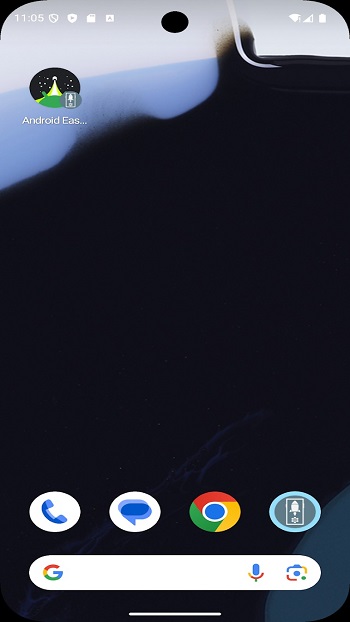
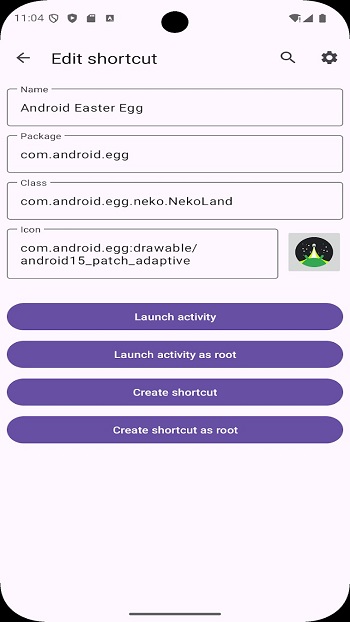
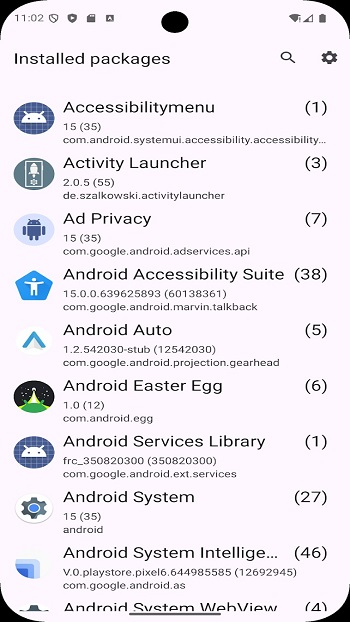
One of the most practical features is shortcut creation. You can place direct links on your home screen that open a specific part of an app instantly. This is helpful if you repeatedly use a certain setting or feature. The interface is simple, with a clean list of installed apps and their available activities, making it easy to browse without confusion.
Another strong point is its lightweight design. It doesn’t take much space or slow down your device. Since it’s based on an open-source project, it also has a transparent development background. Users who care about privacy or want to contribute ideas can actually check how it works or even support its development.
There are a few limitations to keep in mind. Not every hidden activity will work perfectly, since some are restricted by the app developers themselves. You might open a screen that crashes or doesn’t respond. Also, beginners may feel slightly overwhelmed at first because the app exposes many technical elements without much explanation.
This app fits best for advanced users, developers, or anyone curious about how Android apps are structured. It’s also handy in situations where you need quick access to deep settings or testing features. Casual users can still use it, but it shines most when you’re comfortable experimenting a bit.
FAQs Activity Launcher
What is Activity Launcher used for?
+
It is used to open hidden app screens and create shortcuts to specific features on Android devices.
Is Activity Launcher safe to use?
+
Yes, it is generally safe, especially since it is based on an open-source project, but some features may not work as expected.
Can I create shortcuts with Activity Launcher?
+
Yes, you can place shortcuts on your home screen that open specific parts of apps directly.
Why do some activities not work?
+
Some app developers restrict access to certain internal features, which can cause crashes or errors.
Who should use Activity Launcher?
+
It is best suited for advanced users, developers, or anyone interested in customizing and exploring Android apps.
Discover More Interesting Apps
-

Panda Mouse Pro
v14.5
25.00 Mb
Updated -
PDF Editor
v6.4.1
74.02 Mb
Updated -
Poshan Tracker
v25.3.10
210.02 Mb
Updated -
Zupee Ludo Controller
v4.2603.06
79 MB
Updated -
Mod
Free VPN
v2.5.3.1
155.00 Mb
Updated -
Nebula Boost
v1.5.4
10.81 Mb
Updated -
Quick Share
v1.0.0.24
46.36 Mb
Updated -
Mod
PigeonCast
v3.6.9
64.79 Mb
Updated -
Mod
Turbo VPN
v4.3.2
64.00 Mb
Updated -
Mod
VPN Super Unlimited Proxy
v2.33.0
83.23 Mb
Updated










Share Your Thoughts